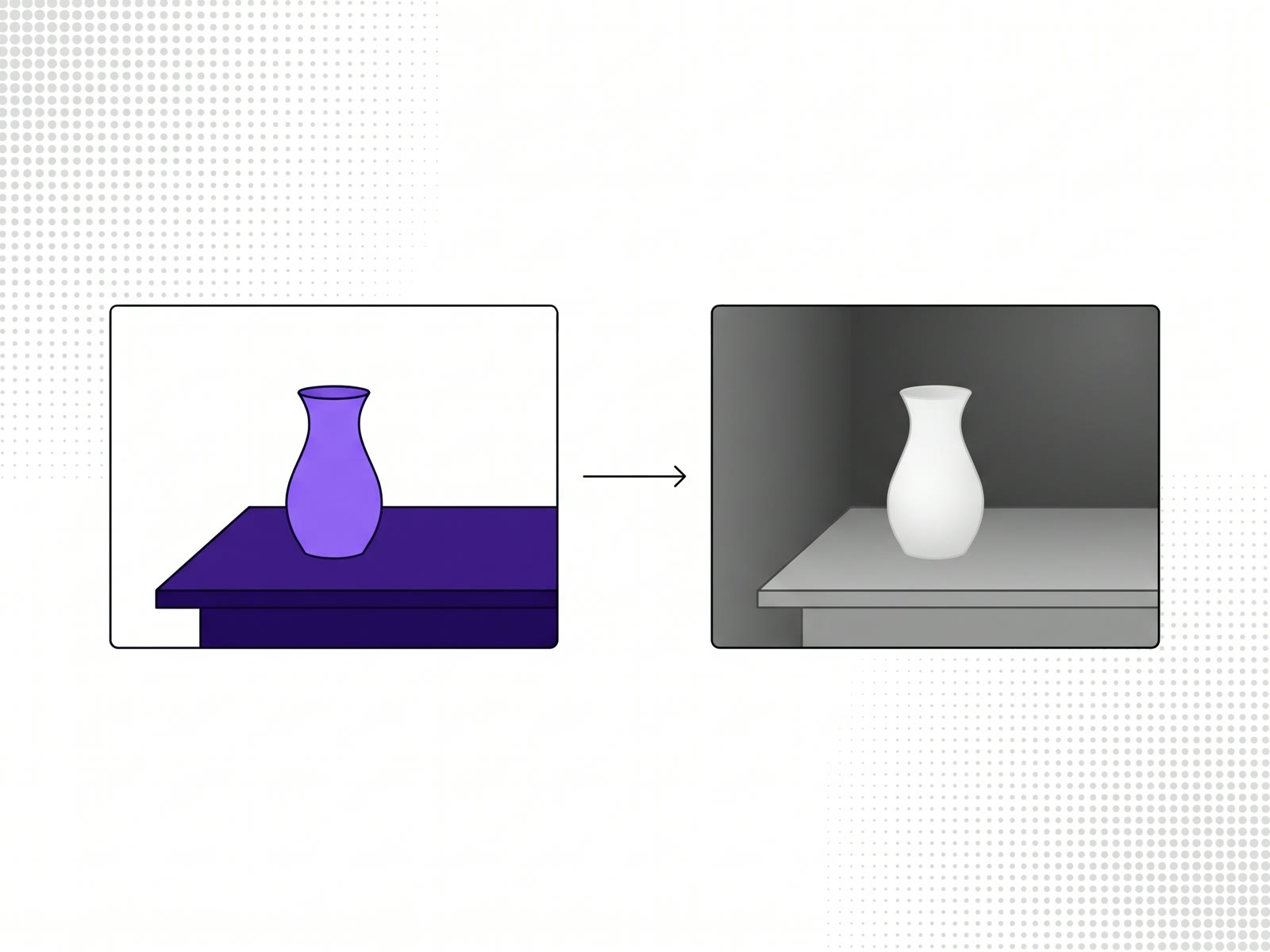
A depth map generator takes an ordinary photo and estimates how far each part of it is from the camera, as a greyscale image: near things light, far things dark. AI models can now do this from a single photo, without a second camera or a depth sensor. Our depth map generator, RELUMA, runs one of those models in your browser, so the photo isn't uploaded, and you can download the depth map or use it straight away to relight the image.
What a depth map is
A depth map is a picture of distance. Every pixel holds a value for how far that point is from the camera instead of a colour. Shown as an image, it looks like a soft, grey version of the scene: the subject in front glows white, the background falls away into dark.
It doesn't hold any colour or texture from the photo. Its only job is to say what's in front of what.
What a depth map is used for
- Relighting: putting a light into the scene that falls on the near surfaces and casts shadows behind them.
- Parallax and 3D photo effects: shifting near and far parts by different amounts as the viewer moves, so a flat photo seems to have depth.
- Depth of field: blurring the background by how far away it is, the way a wide-aperture lens would.
- Compositing: placing something between the subject and the background, or fog that thickens with distance.
- 3D: turning a photo into a relief surface for a scene or a print.
How AI estimates depth from one photo
Working out depth from a single image is called monocular depth estimation. The model has learned from very large numbers of images what depth usually looks like: things lower in the frame tend to be nearer, near objects hide far ones, textures get finer with distance, people are a known size. It combines those cues into a depth value for every pixel.
RELUMA uses Depth Anything V2 Small, an open model released under the Apache 2.0 licence. The larger Depth Anything V2 models carry a non-commercial licence, which is why the tool uses Small. It downloads once and then runs in your browser, on the graphics card where the browser supports it.
The result is relative depth: it knows what's nearer than what, not the distance in metres. For relighting and effects, that's what you need.
How to make a depth map
- Open RELUMA and drop in a JPG, PNG or WebP. A transparent PNG keeps its transparency.
- Wait for the depth map. The first time, the model downloads; after that it's quick.
- Switch the view to the depth map to see it on its own.
- Download it, on its own or in a ZIP with the image and the code for your site.
Downloading needs a free account, which covers one image a day; the same image again doesn't count. Monthly and yearly plans have no limit.
Which photos give a good depth map
- A clear subject in front of a background: a portrait, a product on a table, a street with depth.
- Ordinary lighting. Very dark photos give the model less to work with.
Mirrors, windows and glass are hard for any depth model, because what you see in them isn't where it appears to be. Sky and flat walls can come out uneven, since there's little texture to read.
What to do with it next
The depth map in RELUMA isn't only a download. It's what the tool relights the photo with: a light that follows the cursor and throws shadows where the depth says it should. Interactive images that follow the cursor covers that part.
FAQ
What is a depth map?
A greyscale image where each pixel shows how far that point of the photo is from the camera: lighter is nearer, darker is further.
Can I make a depth map from a single photo?
Yes. A monocular depth model, such as Depth Anything V2, estimates depth from one ordinary photo.
Is the depth map generator free?
Yes, for one image a day with a free account. Monthly and yearly plans have no limit.
Is my photo uploaded?
No. The model runs in your browser, so the photo stays on your device.