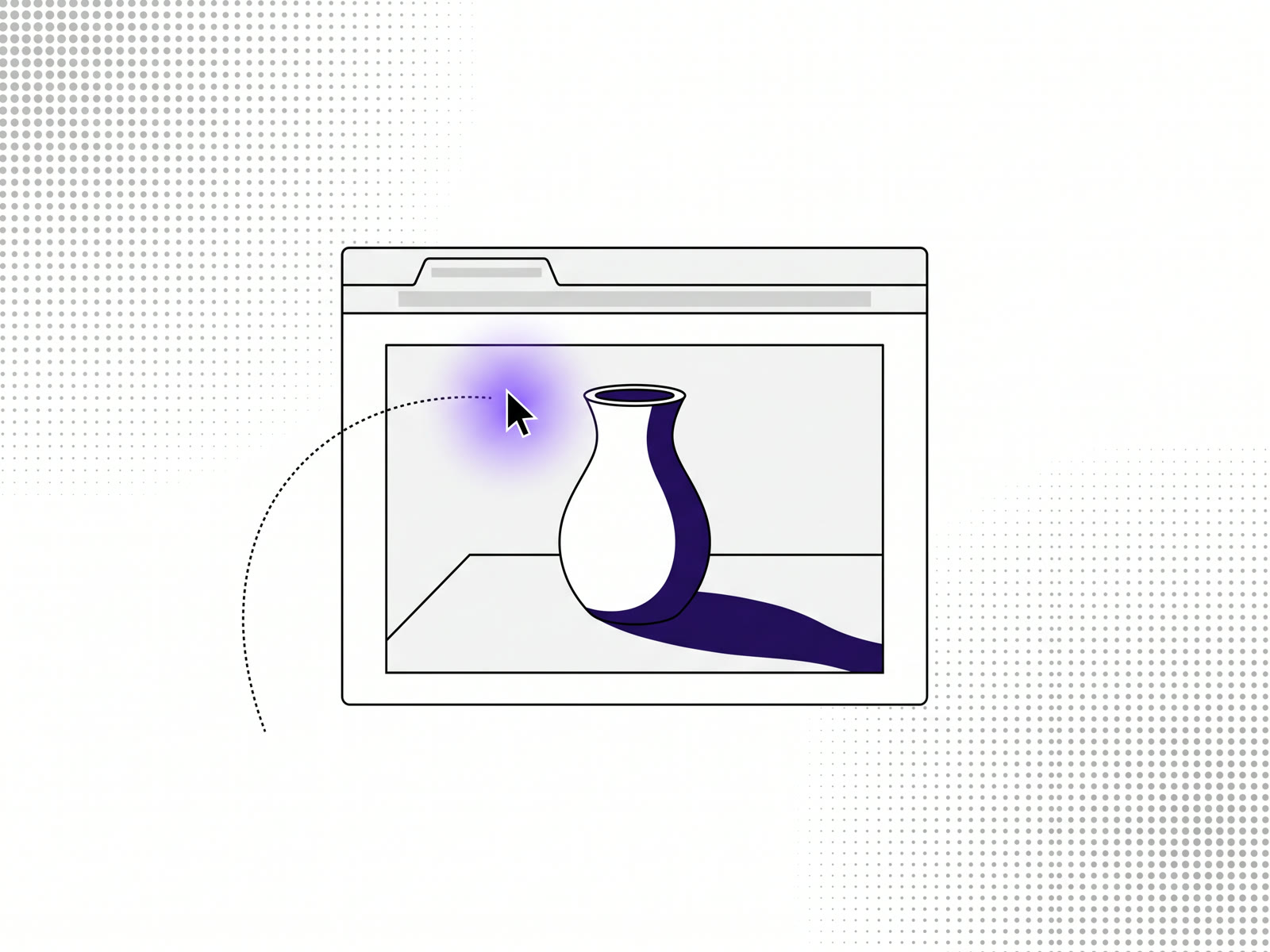
An interactive image that relights as the cursor moves is made from two things: the photo and a depth map of it. The depth map tells the light which parts of the picture are near and which are far, so a light that follows the mouse can fall on the near surfaces and throw shadows behind them. Our image relighting tool, RELUMA, makes the depth map in your browser, lets you set the light, and exports the result as code for your site.
Relighting, parallax and the 3D photo effect
These three get mixed up, so it's worth separating them.
- Parallax moves near and far layers by different amounts as you scroll or move the mouse. The picture shifts, the light doesn't.
- The 3D photo effect builds a shallow 3D surface from the photo and tilts the camera around it. The picture seems to turn.
- Relighting keeps the picture still and moves the light. Highlights slide across the surfaces and shadows stretch the other way.
Relighting is the quietest of the three. Nothing in the image moves, so it works on a portrait or a product shot where shifting the picture would look wrong.
How relighting with a depth map works
From the depth map, the tool works out which way each surface in the photo faces. A point of light then sits wherever the cursor is, at a height you set. Surfaces facing the light brighten, surfaces facing away darken, and parts behind nearer ones fall into shadow. As the cursor moves, all of that is drawn again, in the browser, many times a second.
It doesn't know what the objects are made of, only their shape. That's enough to make a flat photo feel lit from inside the page.
How to make an interactive image
- Open RELUMA and drop in a JPG, PNG or WebP. The depth map is made in your browser by the Depth Anything V2 Small model; nothing is uploaded.
- Pick a light preset, then adjust the intensity, radius, softness, the ambient light, the light's height, how strongly depth counts, shadows and colour.
- Choose what moves the light: the cursor over the image, the cursor anywhere on the page, or nothing. An idle drift keeps it moving when no one's pointing.
- Export. Copy the code for React, AI builders, Framer, Webflow or HTML, or download the image, the depth map or a ZIP of everything.
Copying the code is open to everyone. Downloads need a free account, which covers one image a day; monthly and yearly plans have no limit.
Putting it on a website
The export puts one web component on your page with your image, its depth map and the light you chose. A few things about it matter on a real site:
- Many images, one renderer. Any number of relit images on a page share a single WebGL context, so a gallery doesn't slow the page down image by image.
- A fallback. Where a browser can't draw it, or the depth map can't be loaded, the plain image shows instead.
- Reduced motion. Visitors who've asked their system for less motion get a still image.
For the AI builders tab there's a prompt instead of code, so you can paste it into the tool that's building your site.
Which photos relight well
Photos with clear shapes and some depth: a face, a product, an object on a surface, a room. The relighting is most convincing when the original lighting is soft, because a light you add can't remove a strong shadow already in the photo.
For more on the depth map itself and what else it's good for, see how to make a depth map from any photo.
FAQ
How do I make an image that reacts to the cursor?
Make a depth map of the photo, then draw a light at the cursor's position that uses the depth to decide where to brighten and where to shadow. RELUMA does both in the browser and exports the code.
Is relighting the same as a parallax effect?
No. Parallax moves parts of the picture; relighting keeps the picture still and moves the light.
Will the interactive image slow down my website?
Several on one page share one WebGL context, and a browser that can't draw them shows the plain image.
Is the image relighting tool free?
Yes, for one image a day with a free account, and copying the code is open to everyone. Monthly and yearly plans have no limit.